
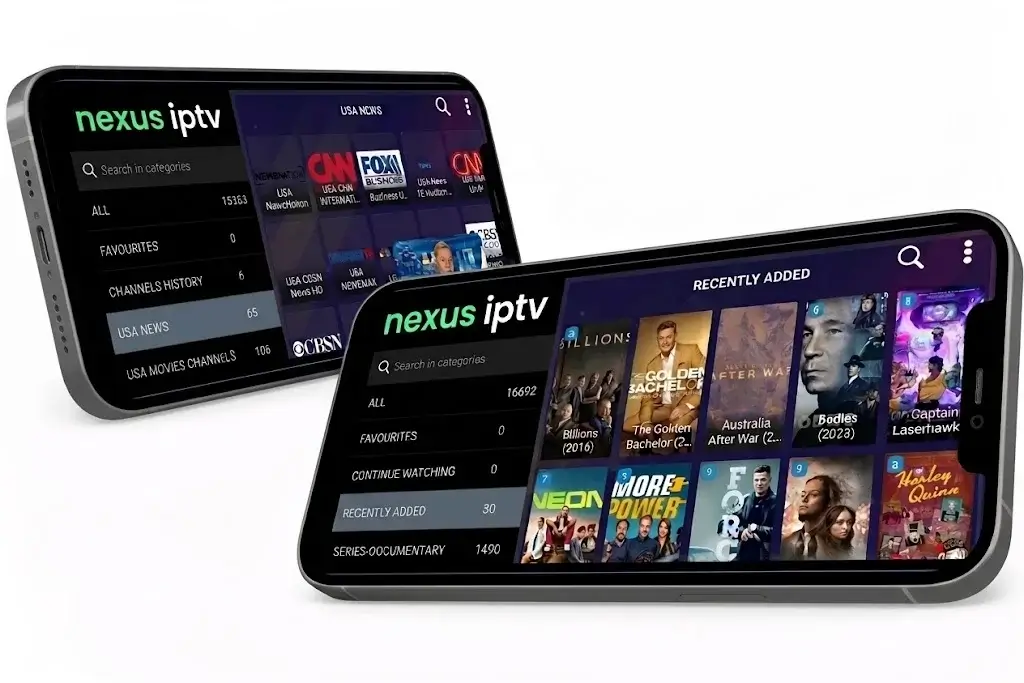
Nexus IPTV Installation Guide
Learn how to install Nexus IPTV IPTV quickly and easily on any device. Our step-by-step installation guide covers Smart TVs, Firestick, Android, iOS, MAG, and more – ensuring smooth setup and instant access to over 25,000 live channels and VOD in HD and 4K, completely buffer-free.
Nexus IPTV Installation Guide for all Devices
This Nexus IPTV installation guide walks you through setting up on Smart TVs, Firestick, Android, iOS, Windows, and Mac. Whether you’re using IPTV Smarters Pro, TiviMate, XCIPTV, HOT IPTV, or IBO Player Pro, we’ll show you the exact steps and provide quick login details so you can start watching live channels and on-demand content in minutes.


For Smart TVs (Samsung, LG, Android TV):
Install IPTV Smarters Pro, TiviMate, or SmartOne IPTV from your App Store.
Open the app and choose “Login with Xtream Codes API”.
Enter the login details we sent via WhatsApp or Email.

For Windows/Mac:
- Download IPTV Smarters Pro or VLC Media Player.
- Enter your Xtream Codes or Playlist URL.

For Android & iOS Devices:
Install IPTV Smarters Pro or XCIPTV Player from the App Store.
Log in using the provided details.

Firestick & Fire TV:
Install Downloader app.
Use it to download IPTV Smarters Pro or TiviMate.
Enter your login info and enjoy!
Recommended Apps:


At Nexus IPTV, we provide smooth IPTV streaming with high-quality picture, fast and reliable servers, and a wide selection of over 25,000 live channels for an enjoyable viewing experience.
Site Links
Quick Links
Copyright © 2026 Nexus IPTV All rights reserved
